Works from MT4 or MT5 — without an administrator account on the source
Most migration scripts assume you own the server you are leaving. Ours doesn't. The migrator connects to a MetaTrader 4 or MetaTrader 5 source without administrator rights, which is what makes it practical for brokers hosted by a white-label or third-party provider — the common case where admin access is simply not on offer.
MT4 → MT5
Platform migration: accounts, history, deals and open positions move from your MT4 server to a new MT5 environment.
MT5 → MT5
Server-to-server: consolidate servers, change data centre, or leave a hosted MT5 for your own licence.
No source admin rights
The server you are leaving stays untouched and live during prep; you never need its administrator login.
Every run, staged and logged — not a one-shot script
Prep and Migrate runs are tracked with their own status, stages and exit code, so a failed run is immediately visible — not discovered days later from a reconciliation gap.
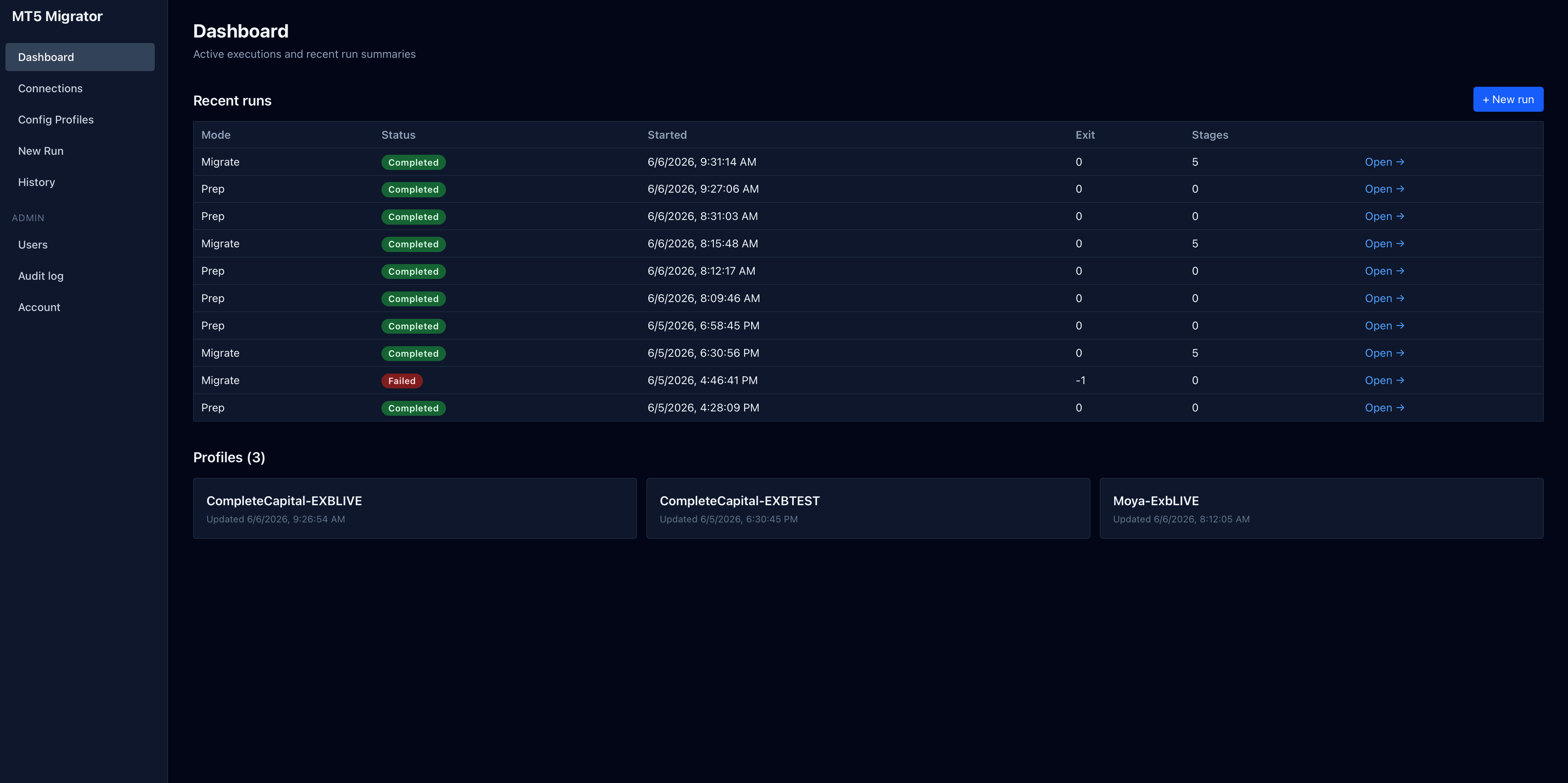
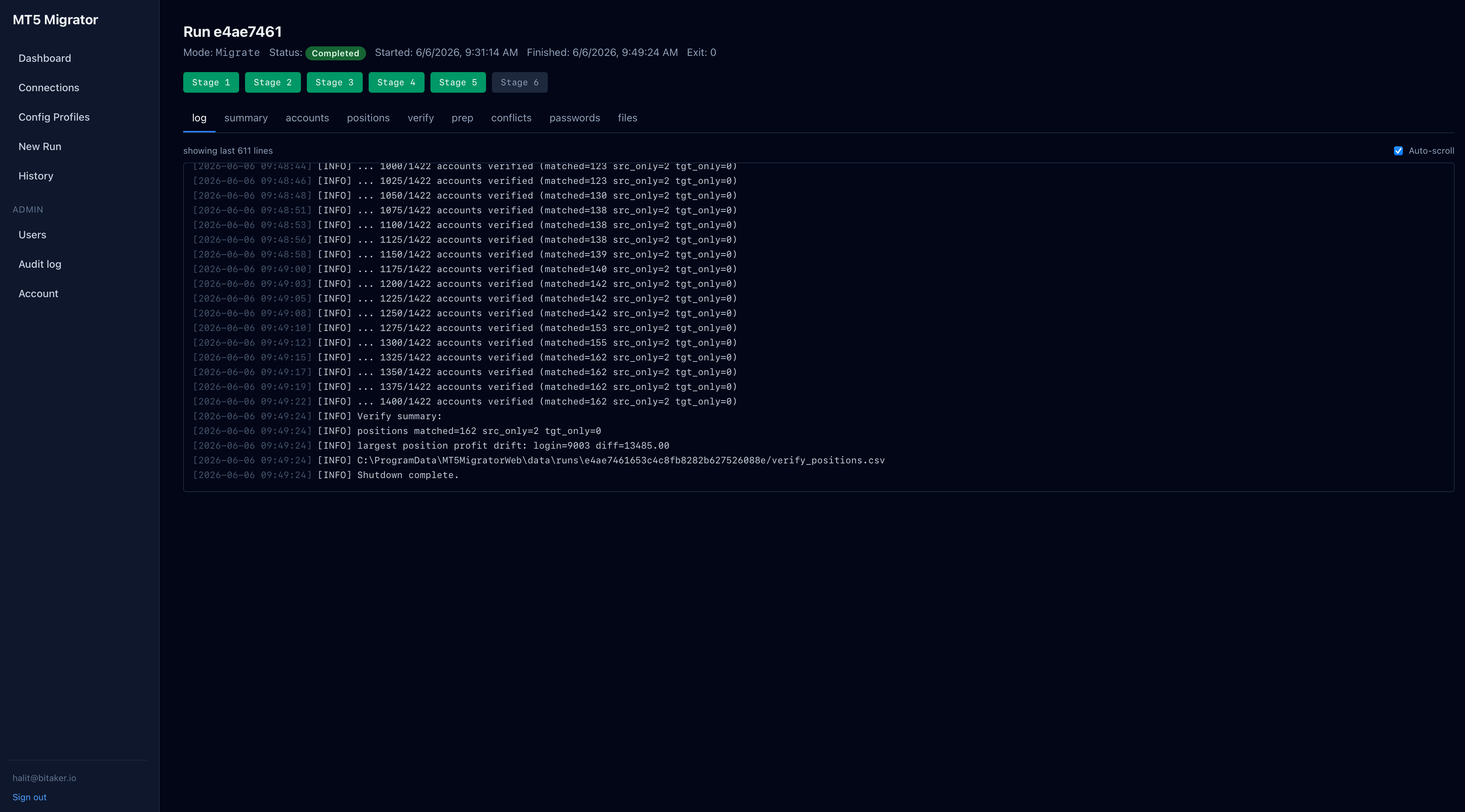
Six stages, one price-locked cut-over
Connect to MT4 or MT5 source & snapshot
Migrate accounts & history
Migrate open positions
Verify — reconcile every record
Cut-over (or rollback)
Named profiles, not a spreadsheet of connection strings
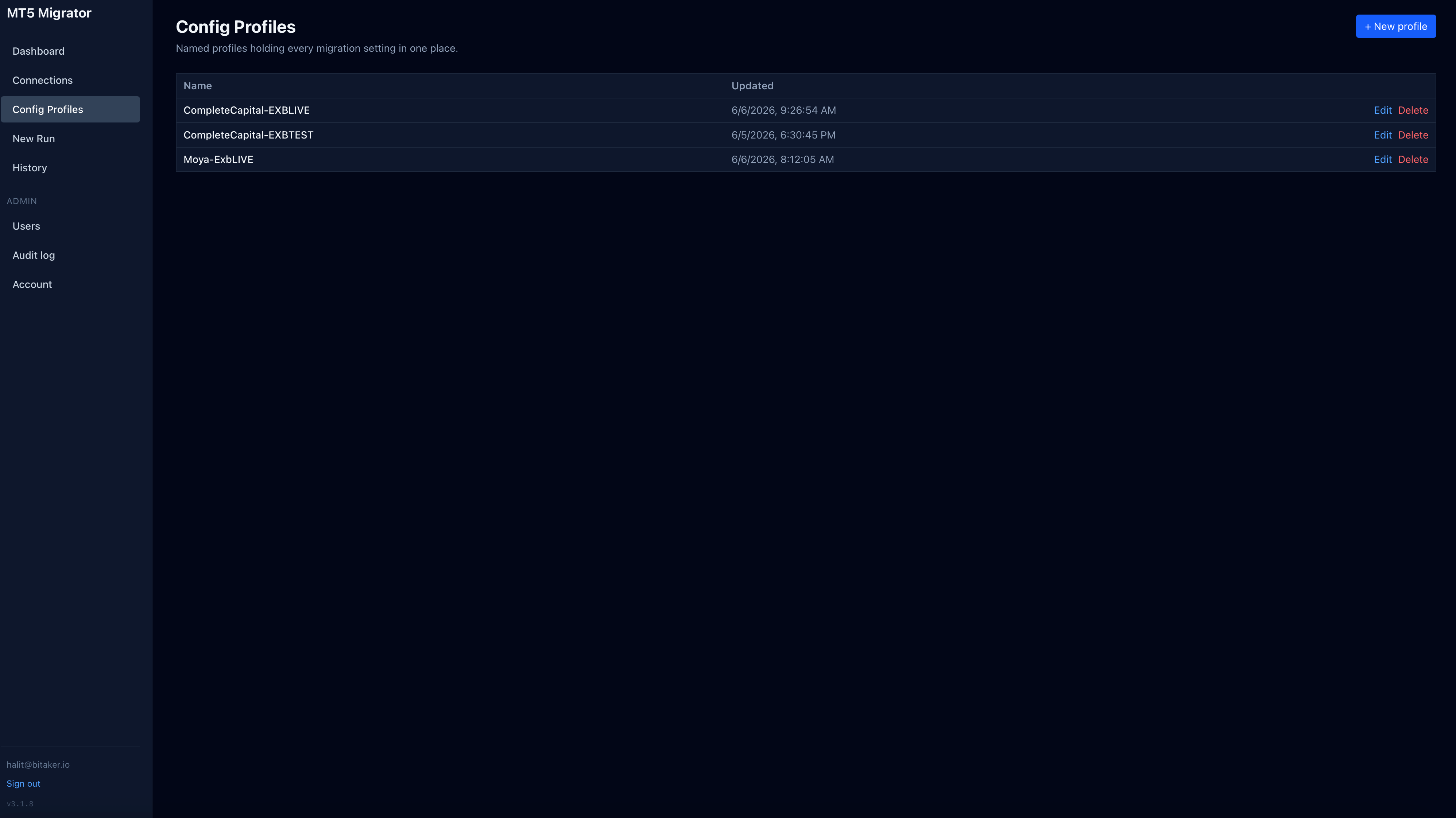
Every migration setting — MT4 or MT5 source connection, MT5 target, symbol mapping, scope — is saved as a named config profile, reused for dry runs, re-runs, and the final cut-over without retyping anything.
- One profile per source/target pair, versioned by update time
- Dry-run against the same profile used for the live cut-over
- Full audit log and user management for multi-operator teams
At a glance
- Migration Paths
- MT4 → MT5 and MT5 → MT5, full book or selective
- Source Access
- No administrator account on the source server required
- Trading Downtime
- < 60 seconds
- Data Migrated
- Accounts, history, deals, open positions
- Rollback Window
- 30 days post cut-over
- Supported MT4 Builds
- 1220+
- Supported MT5 Builds
- 3815+
- Typical Timeline
- 2–4 weeks end-to-end
Frequently asked questions
Both. The same tool handles MT4 → MT5 platform migrations and MT5 → MT5 server-to-server moves — for example consolidating servers, changing data centre, or moving from a white-label host to your own MT5 server. The six-stage process, reconciliation and rollback are identical for both paths.
Related Solutions
Explore other tools that work alongside MT5 Migration Tool.