See It Running,
Before You Buy
Every product below is a real, live deployment — not a video or a slideshow. Open any demo and explore it yourself with the shared demo account.
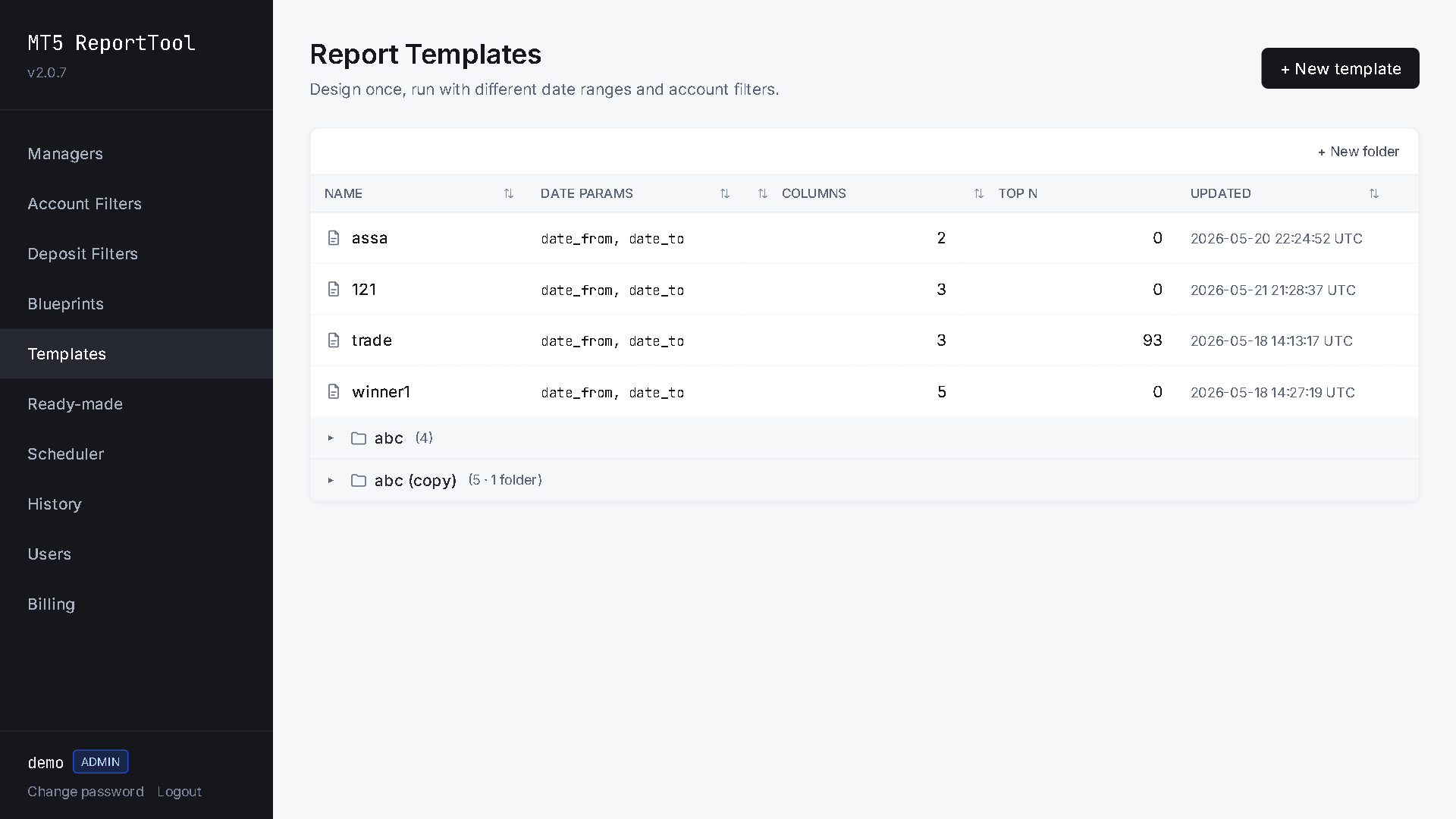
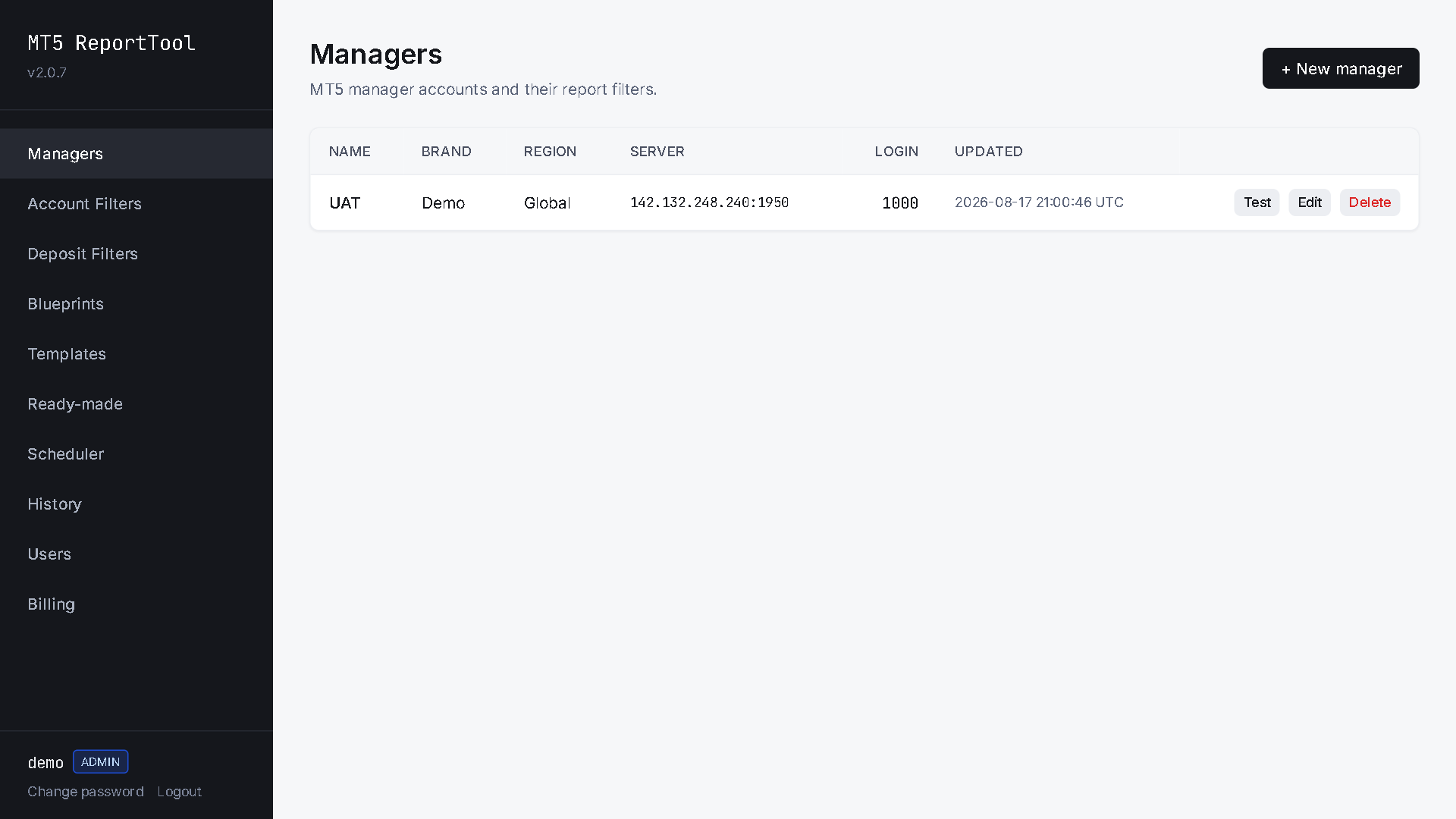
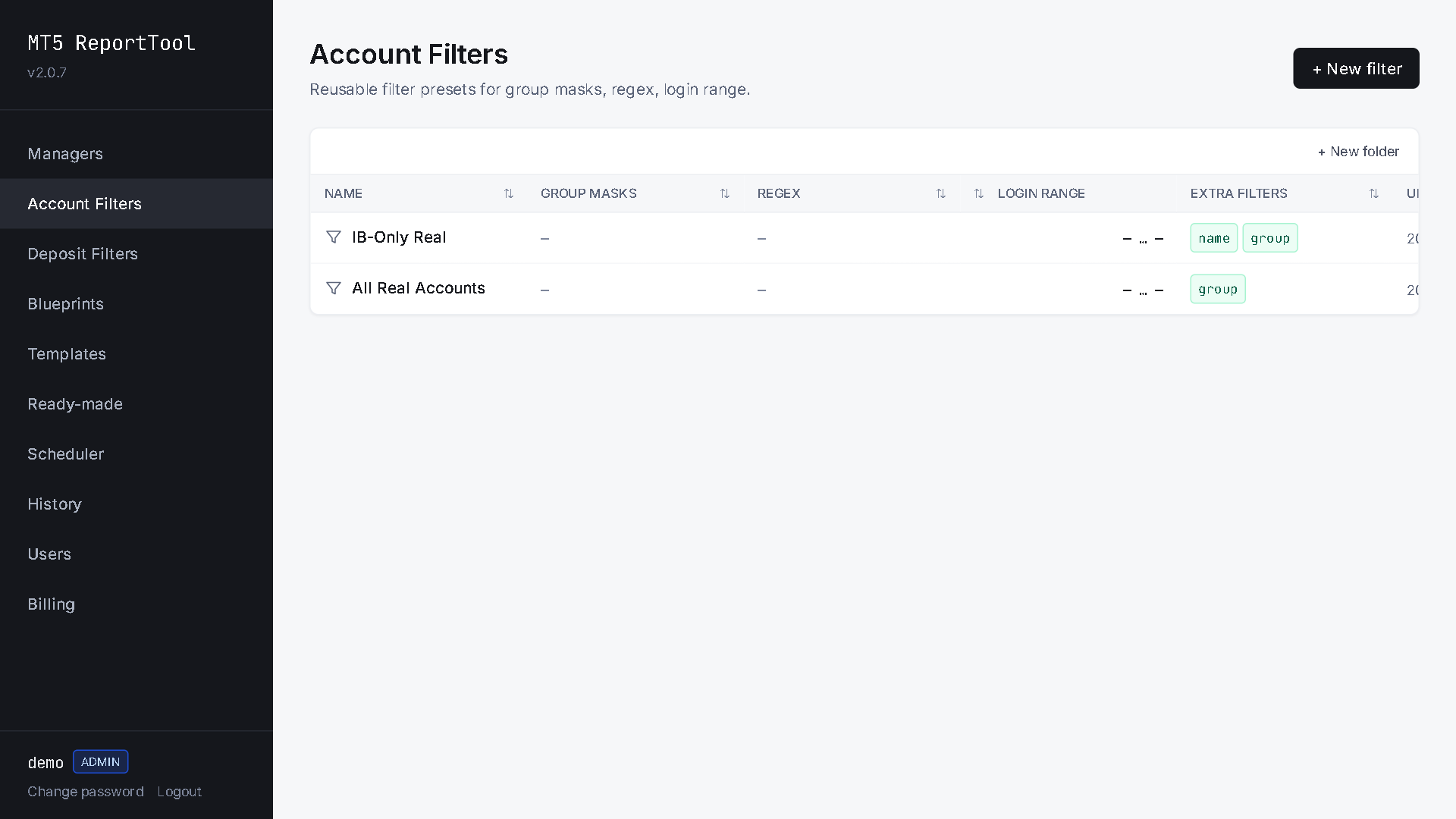
Report Tool
Automated broker reporting suite — scheduled daily/weekly reports, trading volume breakdowns, commission and P&L summaries across MT4/MT5 servers.
Demo Access
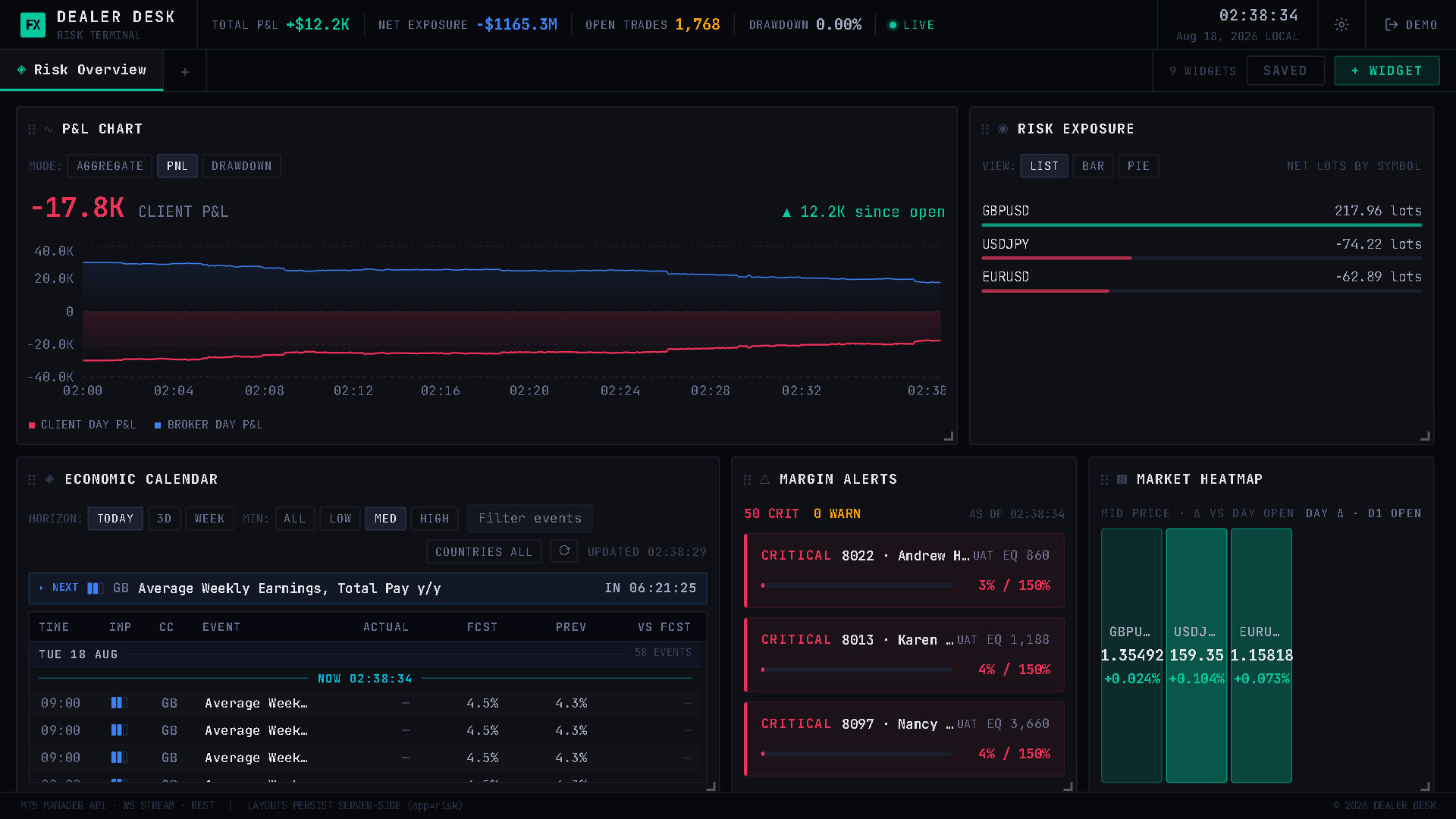
Risk Monitor
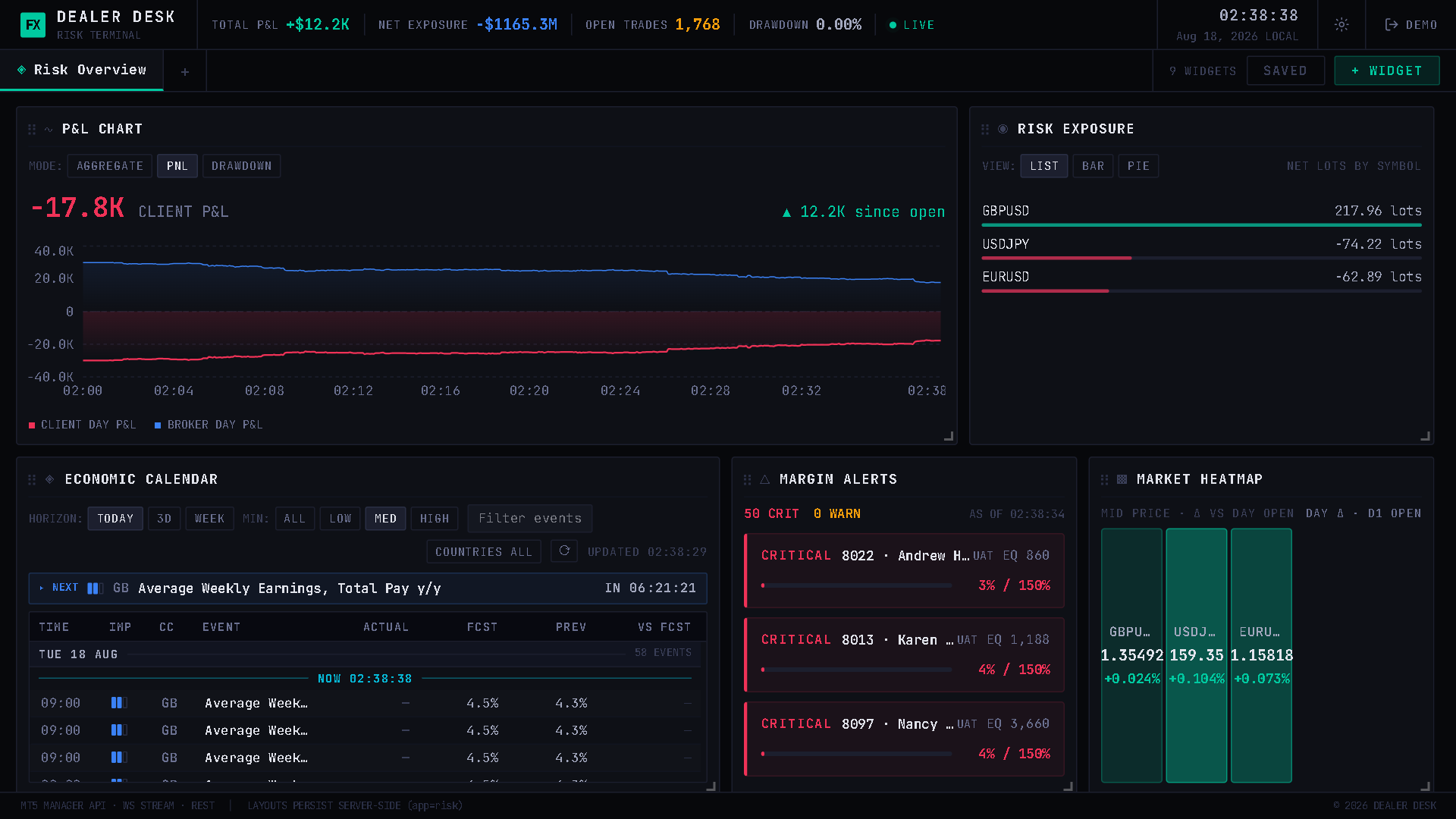
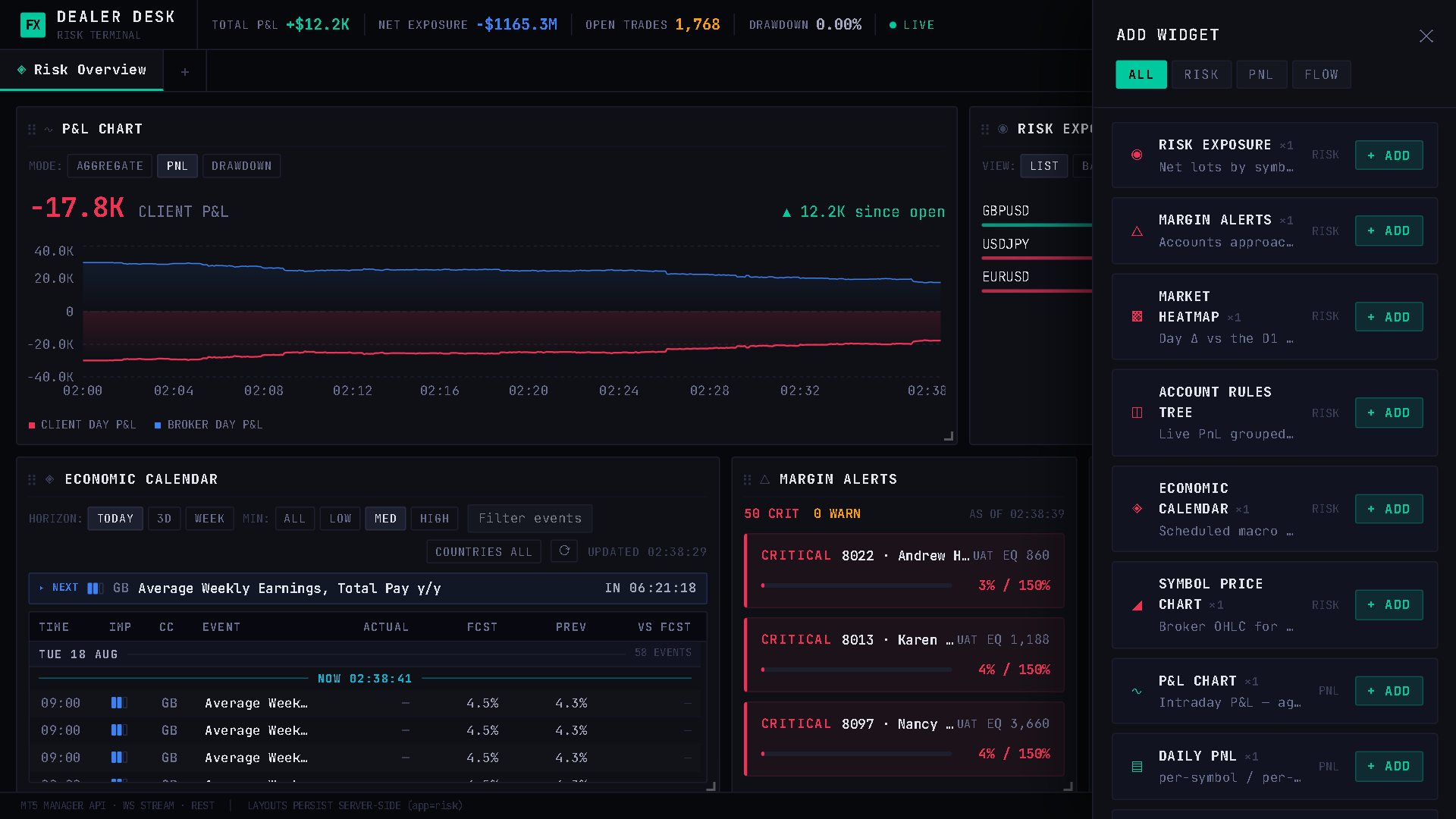
Real-time exposure and risk monitoring — live book overview, per-symbol net exposure, margin alerts and automated hedging analytics for dealing desks.
Demo Access
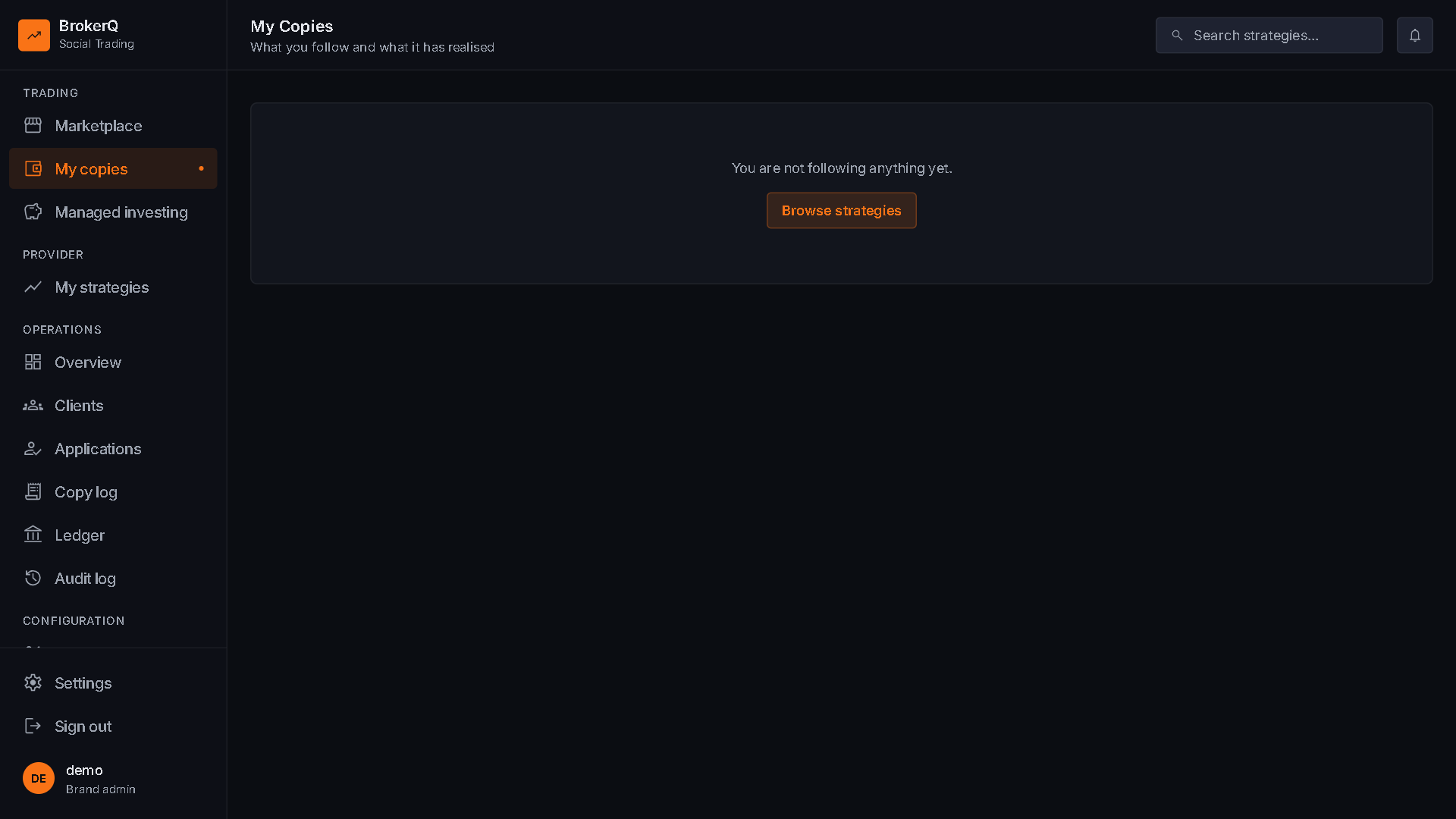
Copy Trader
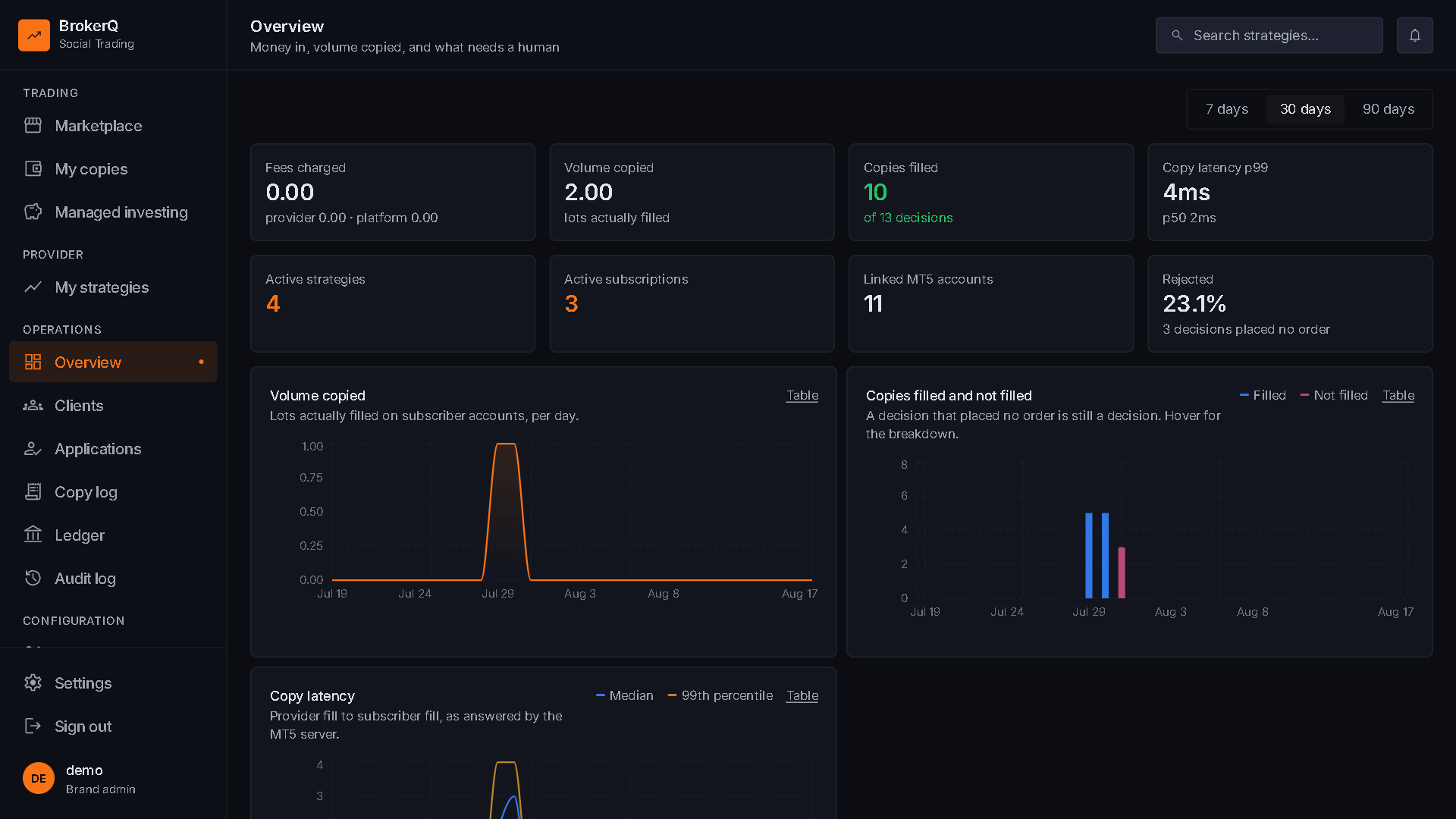
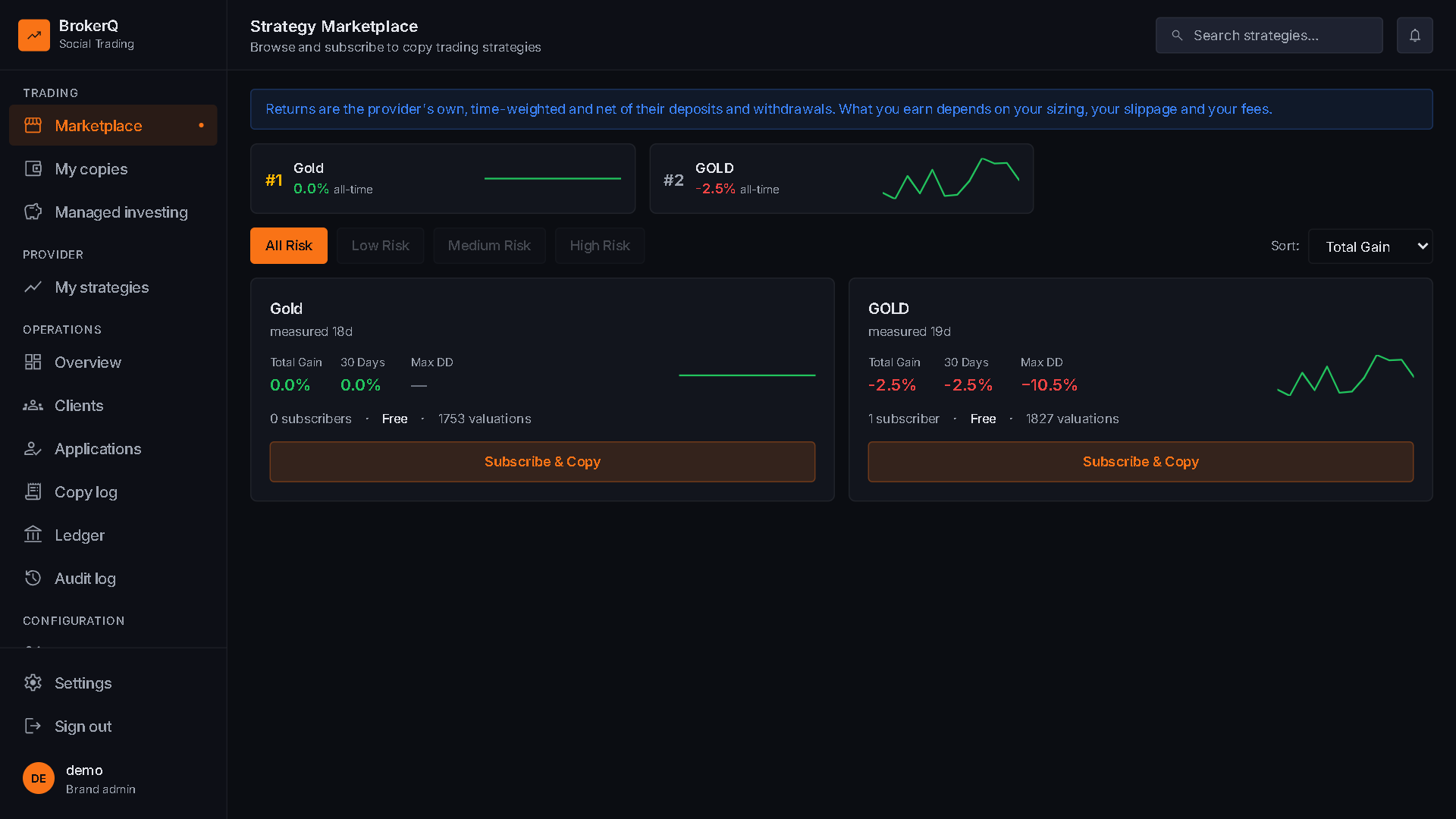
Copy trading platform — master/follower account linking, proportional lot mapping, performance leaderboards and real-time trade mirroring.
Demo Access
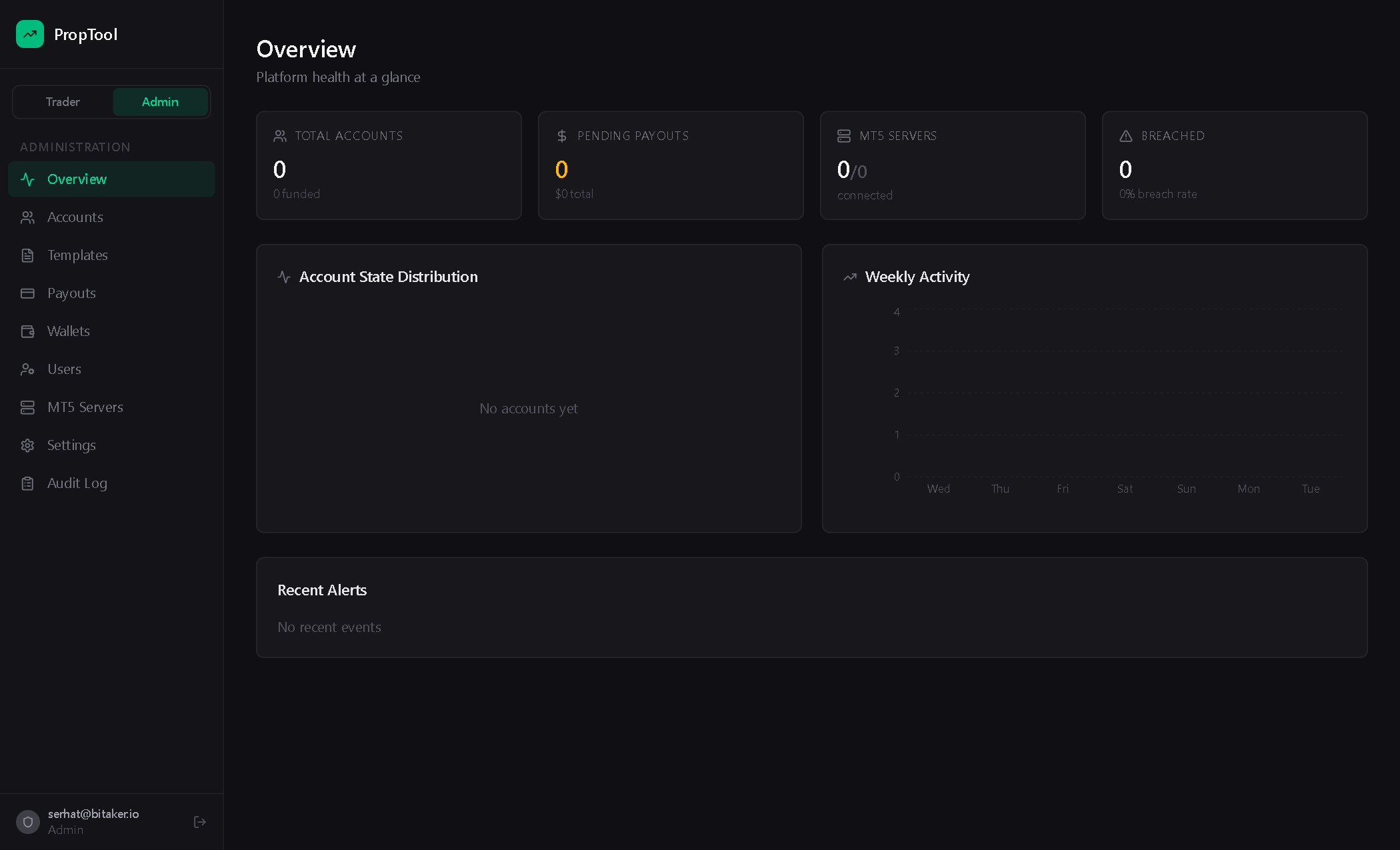
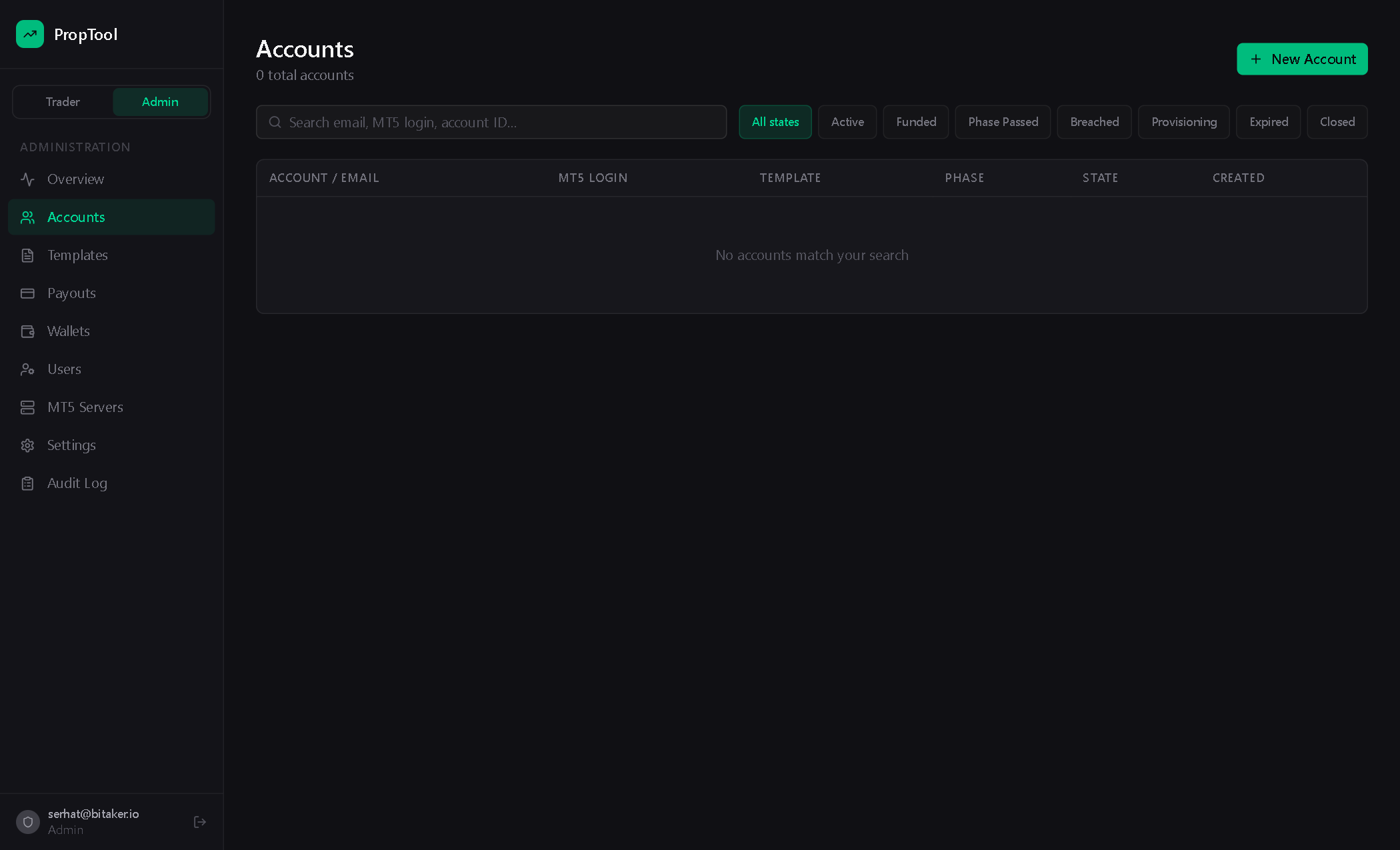
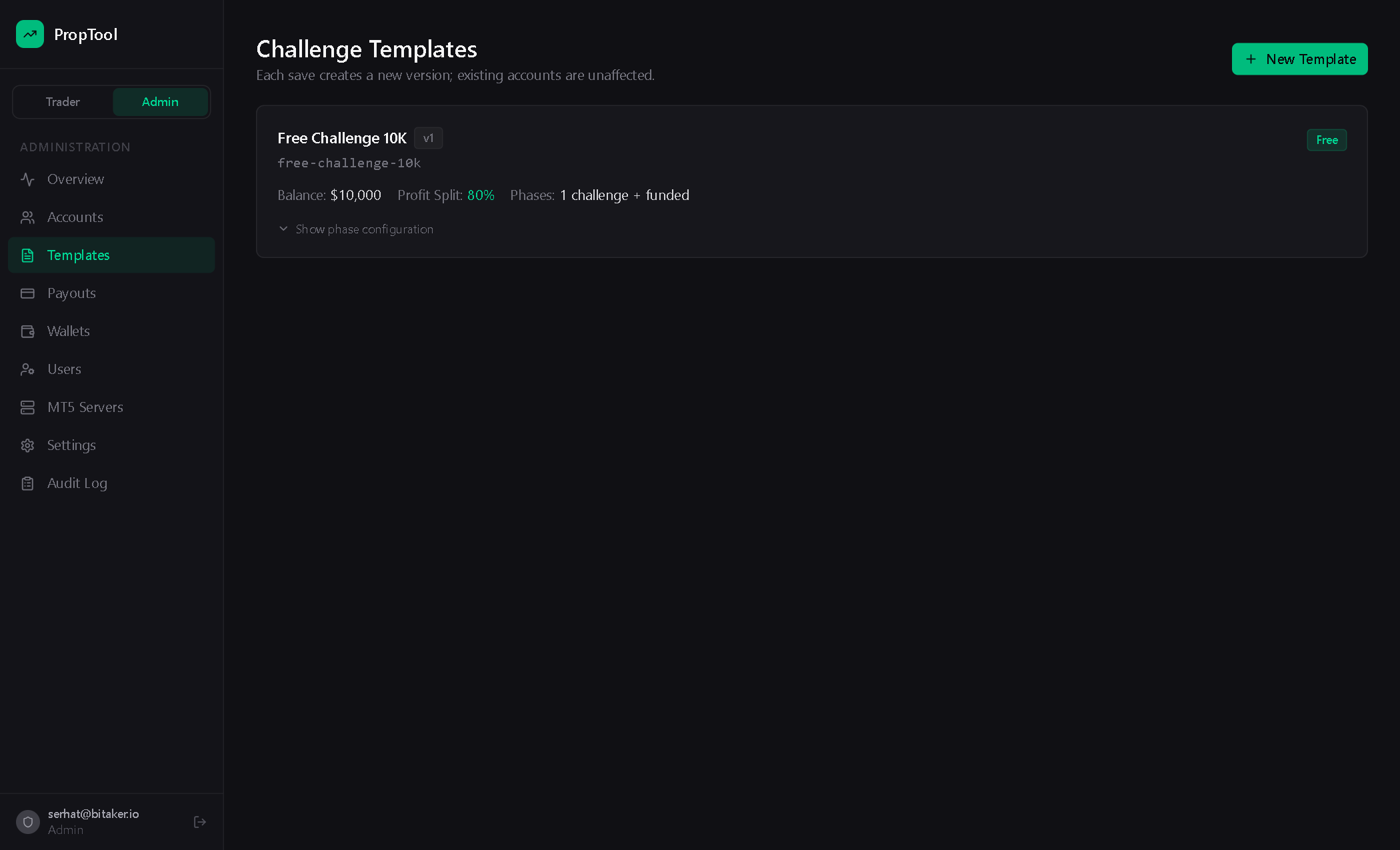
Prop Tool
Prop firm management platform — challenge phases, evaluation rules, funded account provisioning, breach detection and profit-split automation.
Demo Access
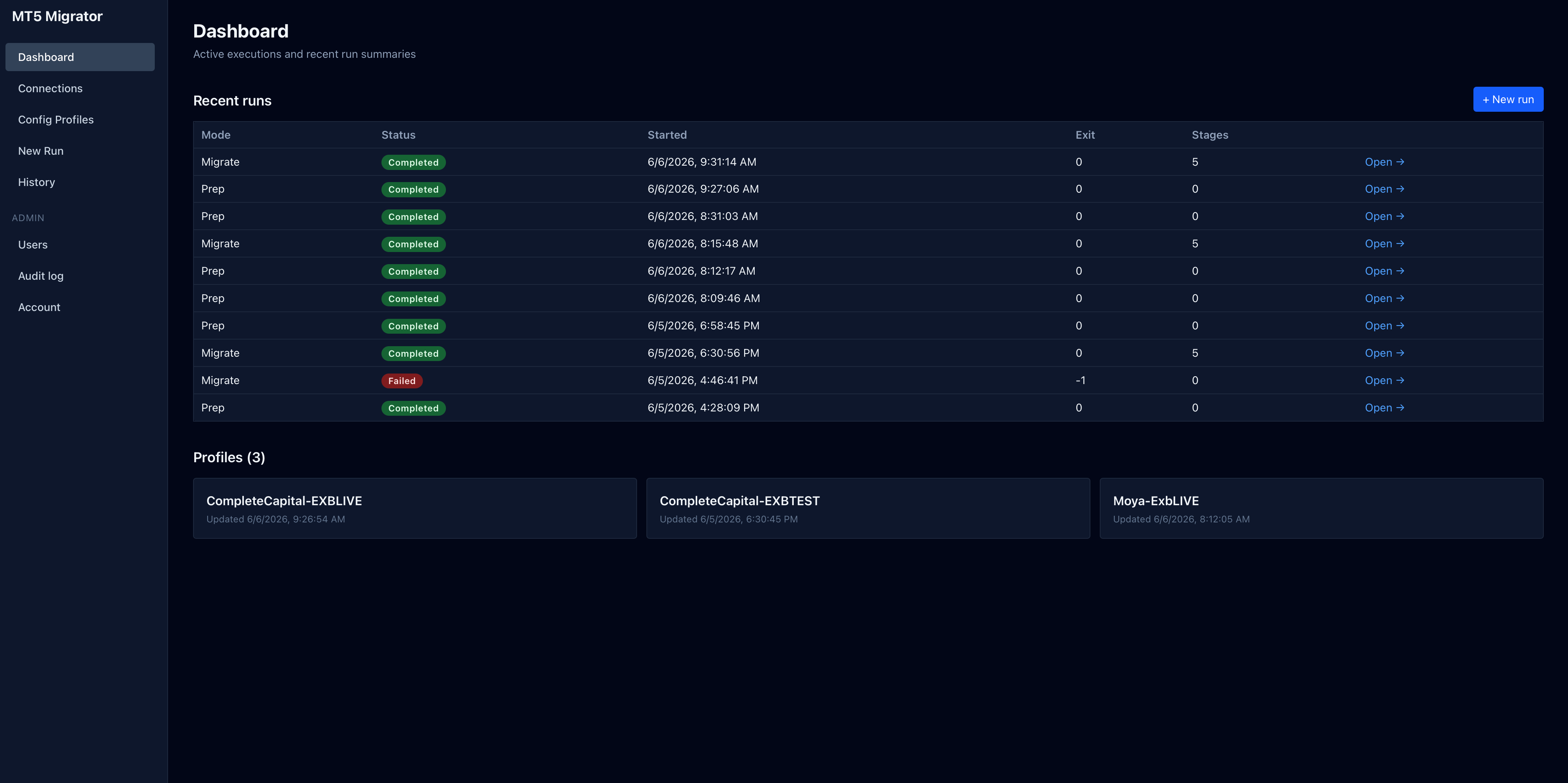
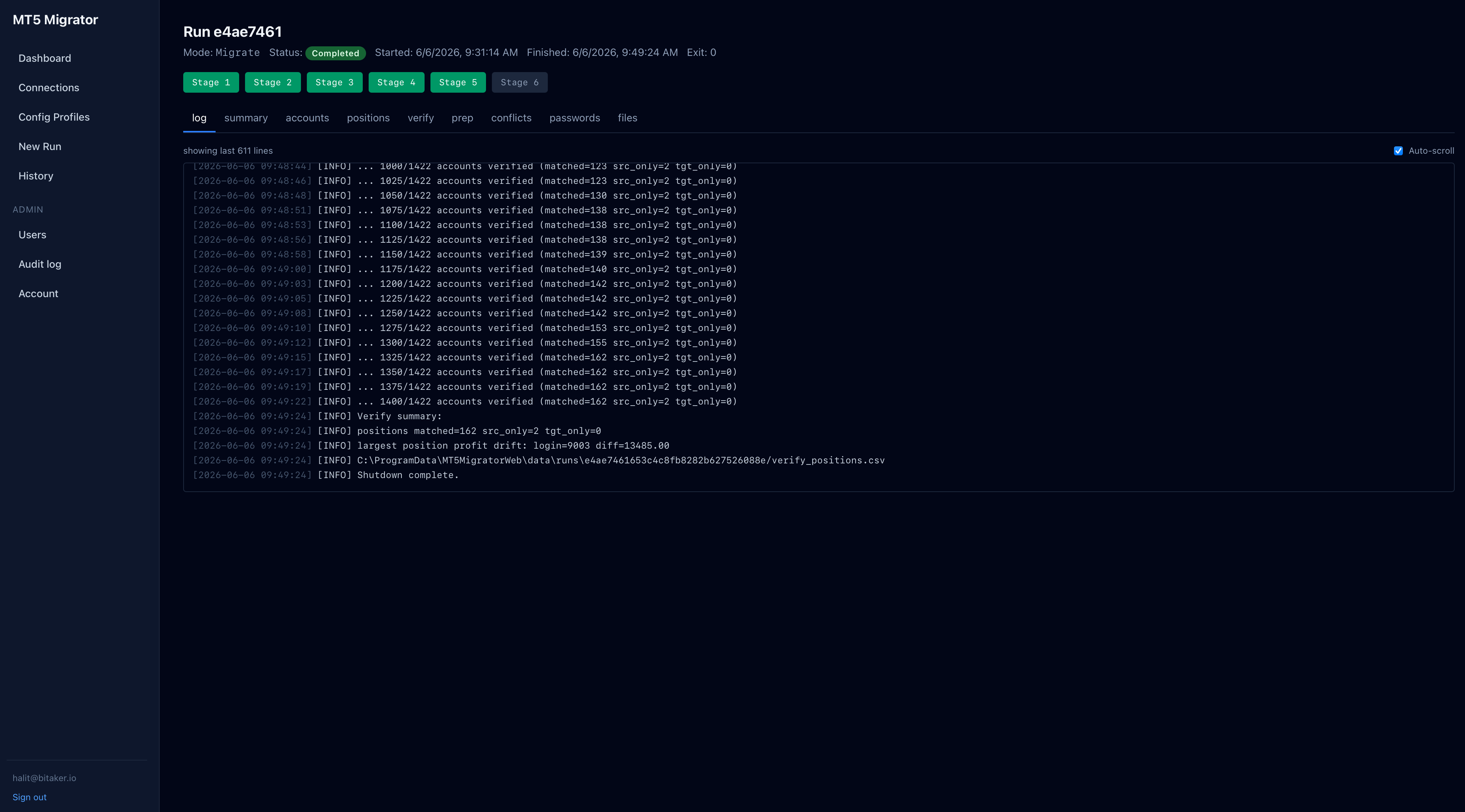
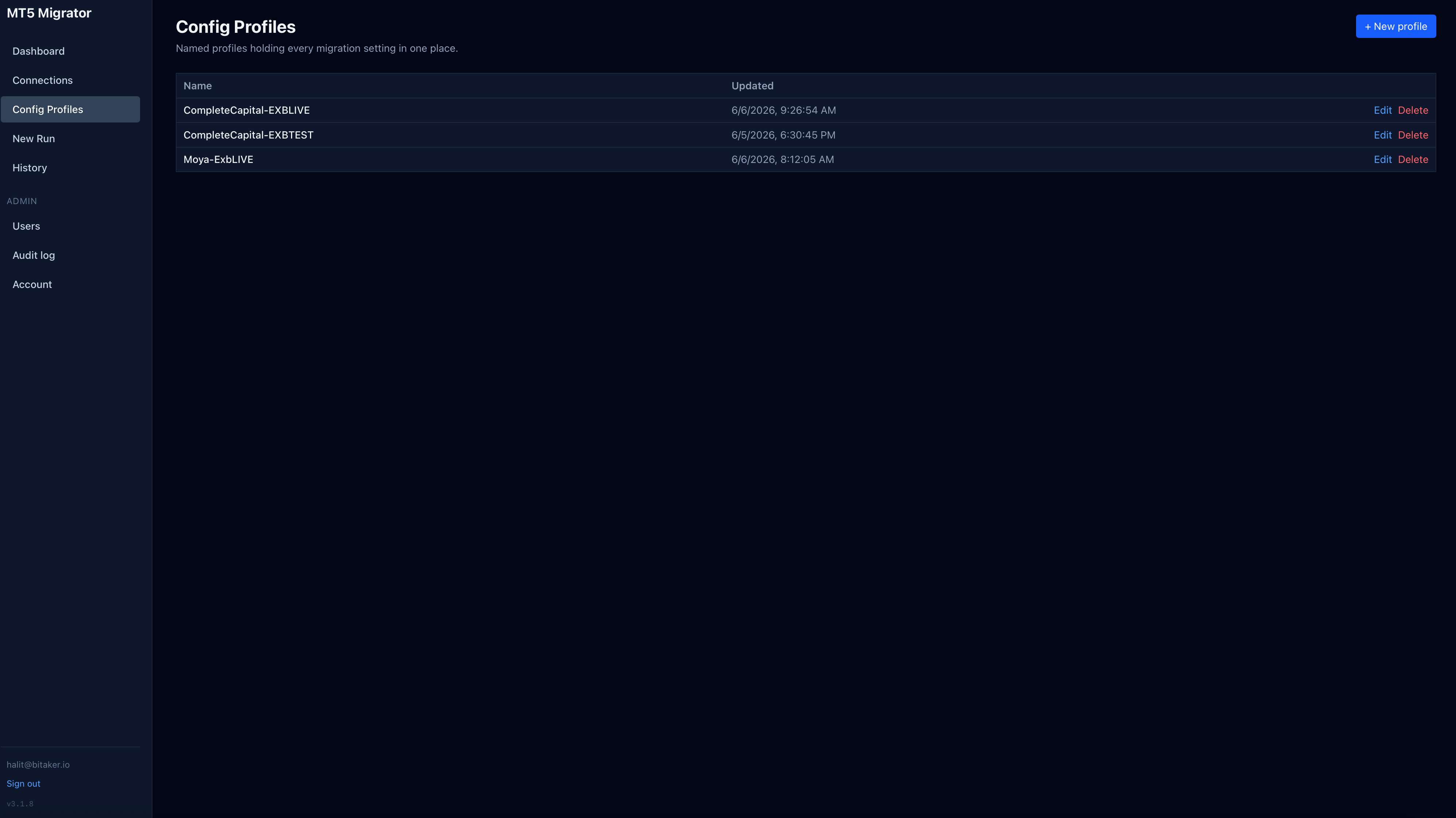
MT4/MT5 → MT5 Migrator
Migrate any MT4 or MT5 server to MT5 without a source admin account — connection profiles, staged migrate/prep runs, live execution logs, account & position verification with drift detection.
Private Deployment
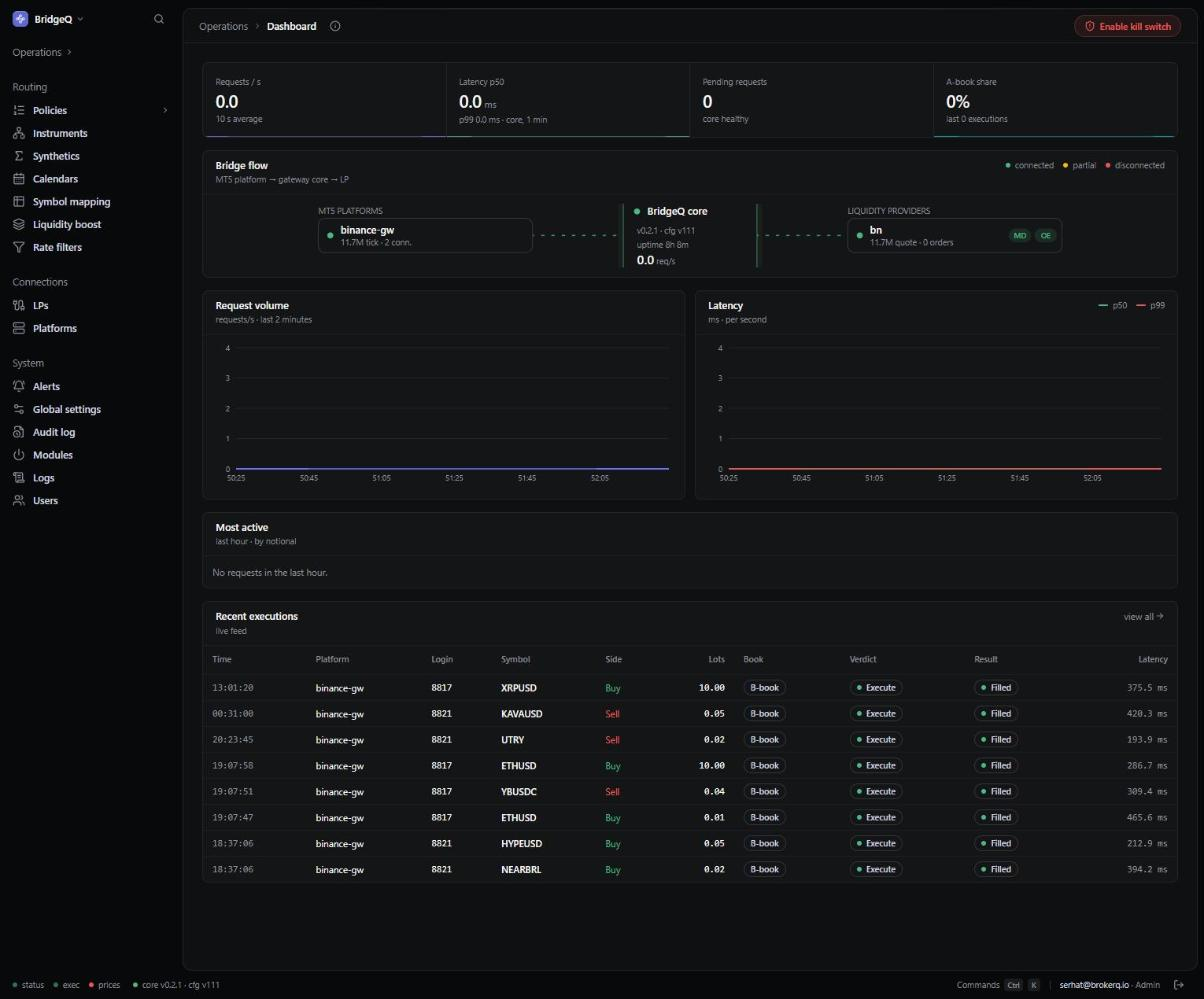
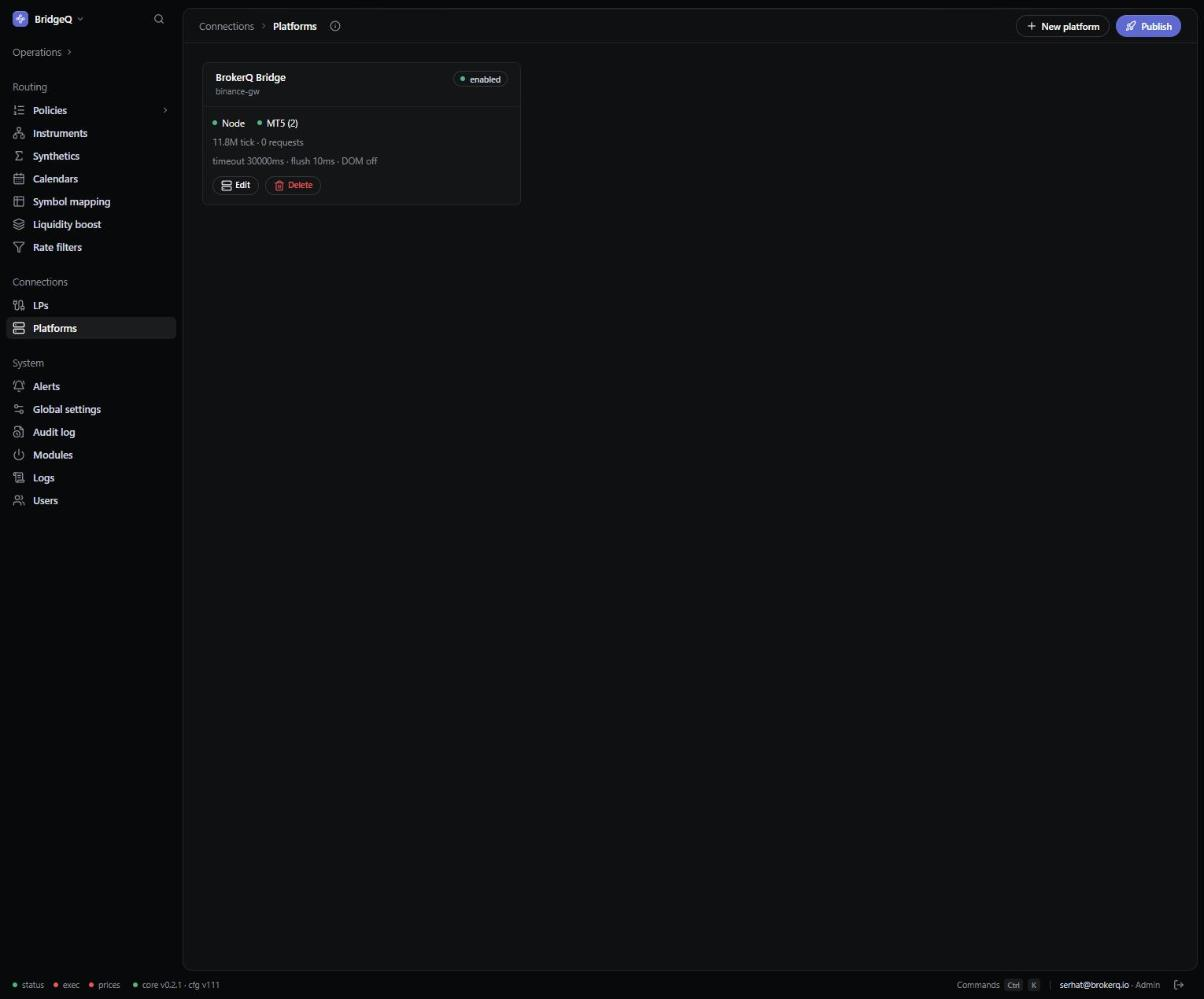
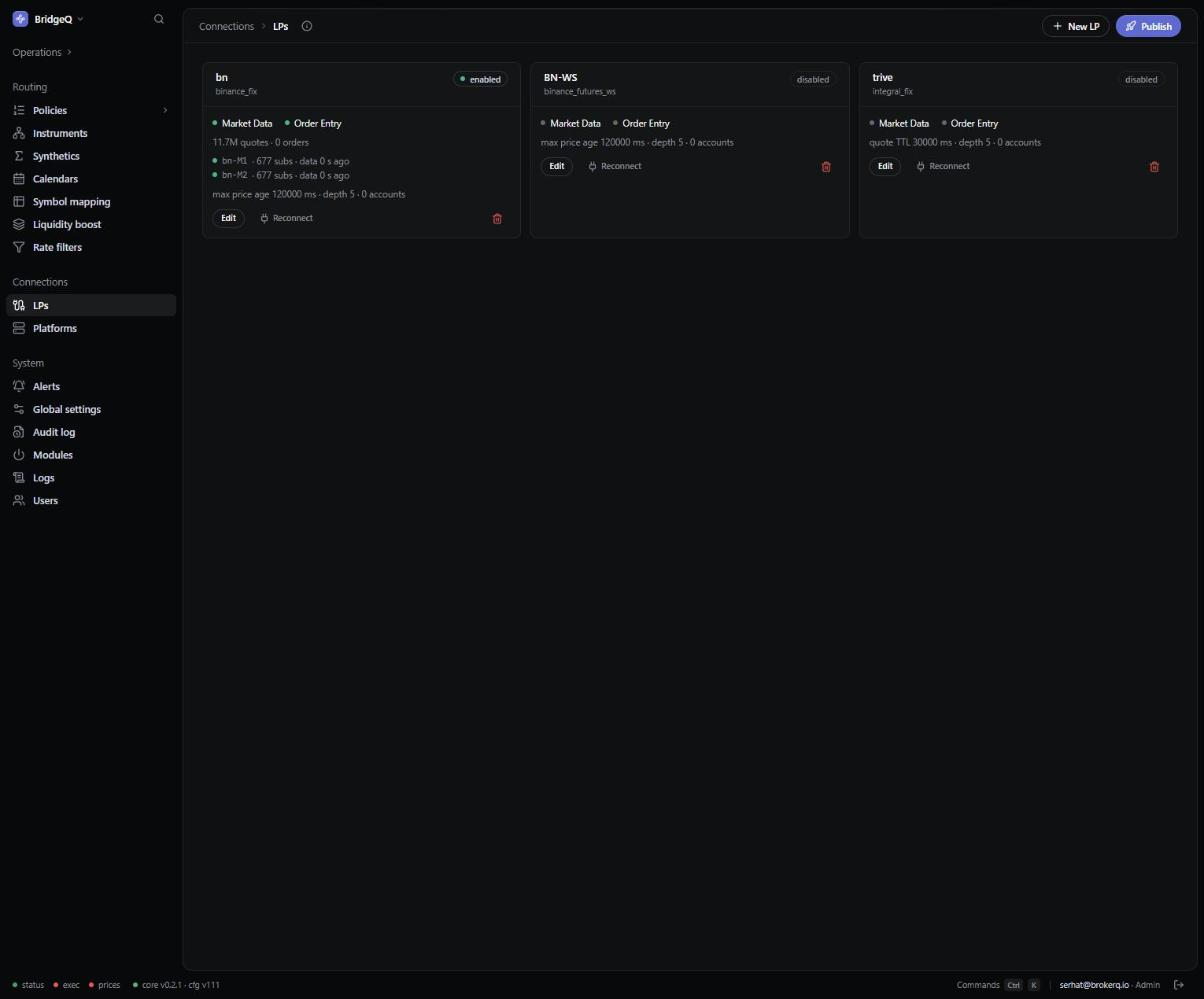
BridgeQ
FIX liquidity bridge — routes MT4 and MT5 platform flow to liquidity providers with configurable A/B-book policies, rate filters, symbol mapping and real-time execution monitoring.
Demo Access
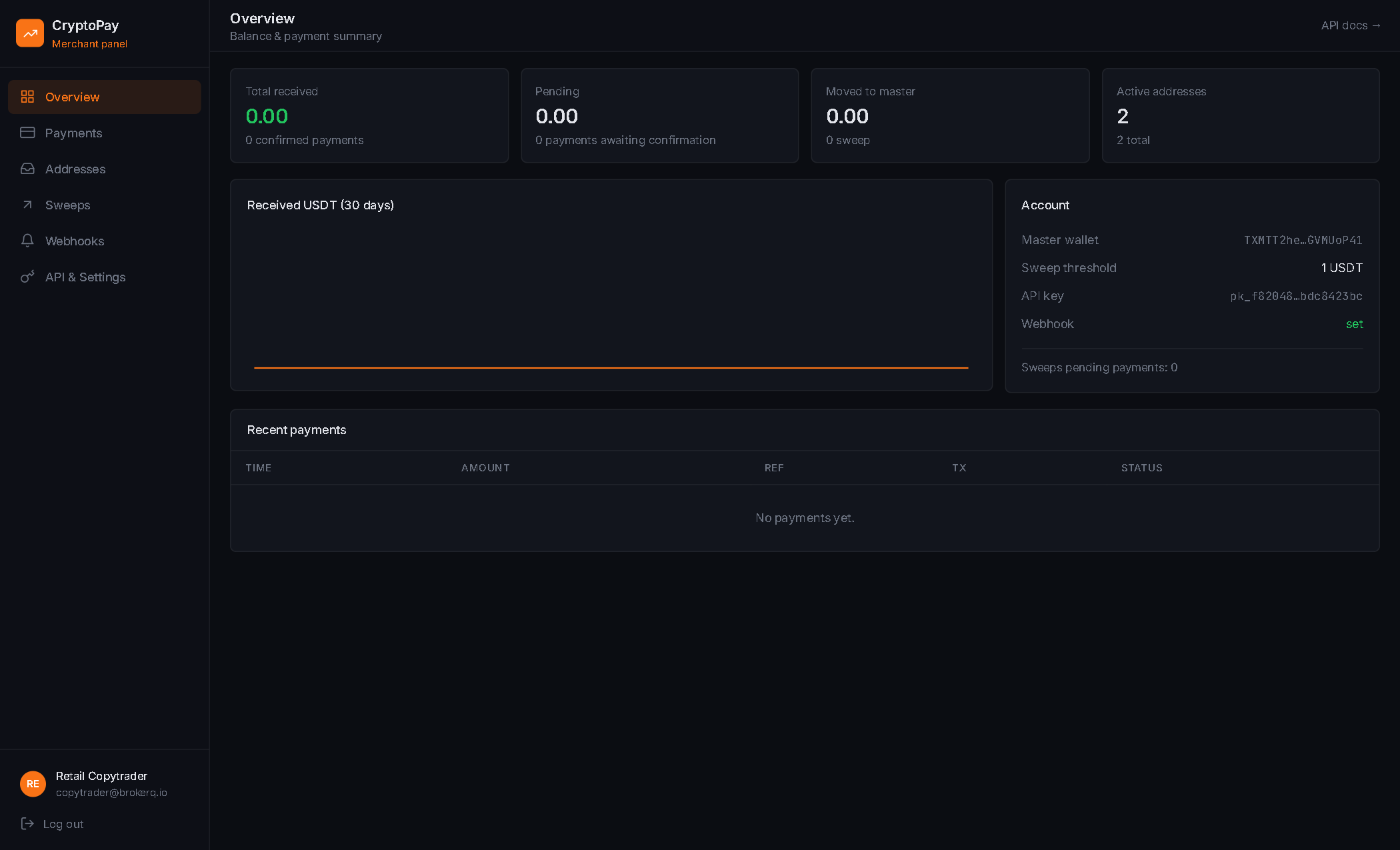
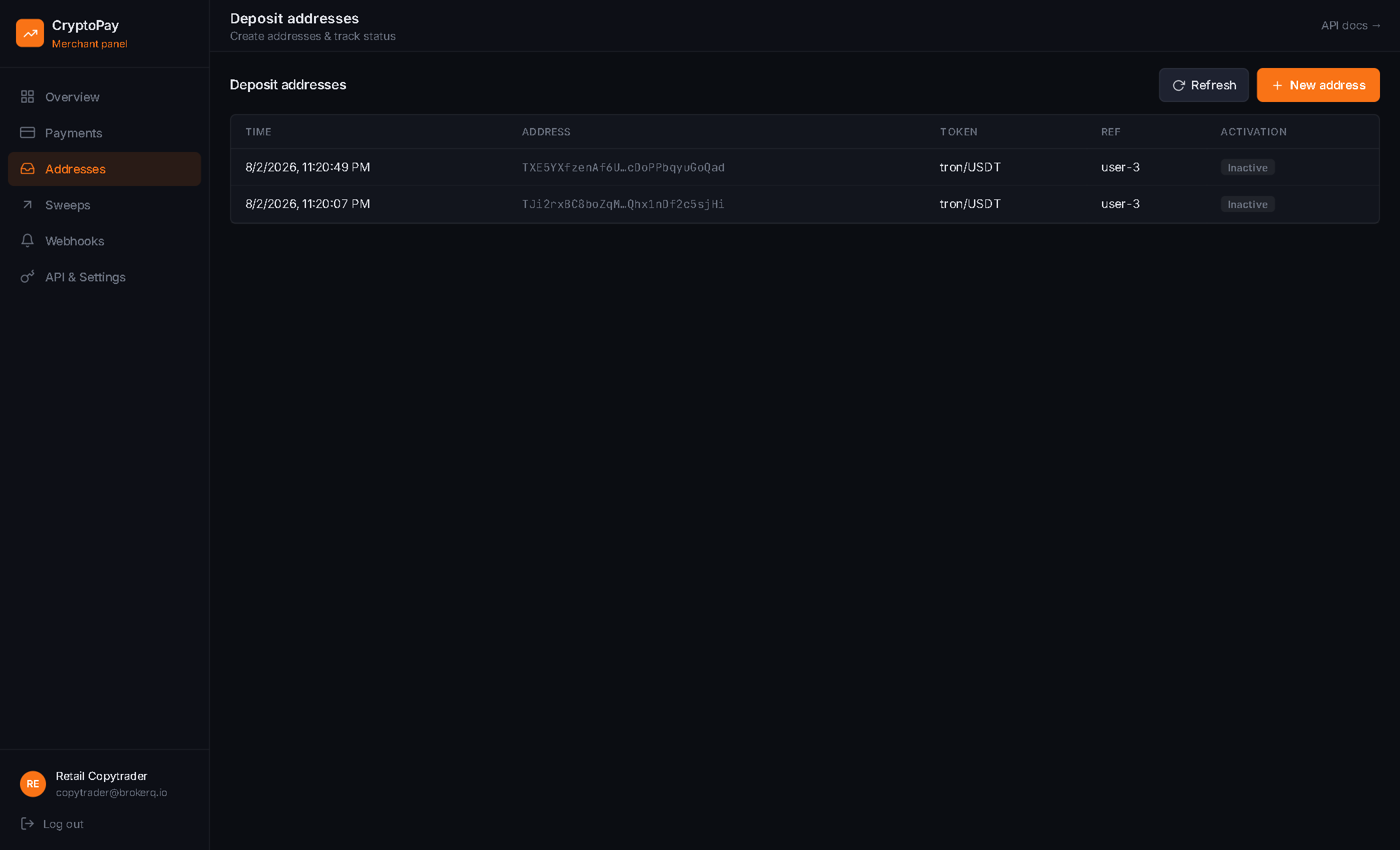
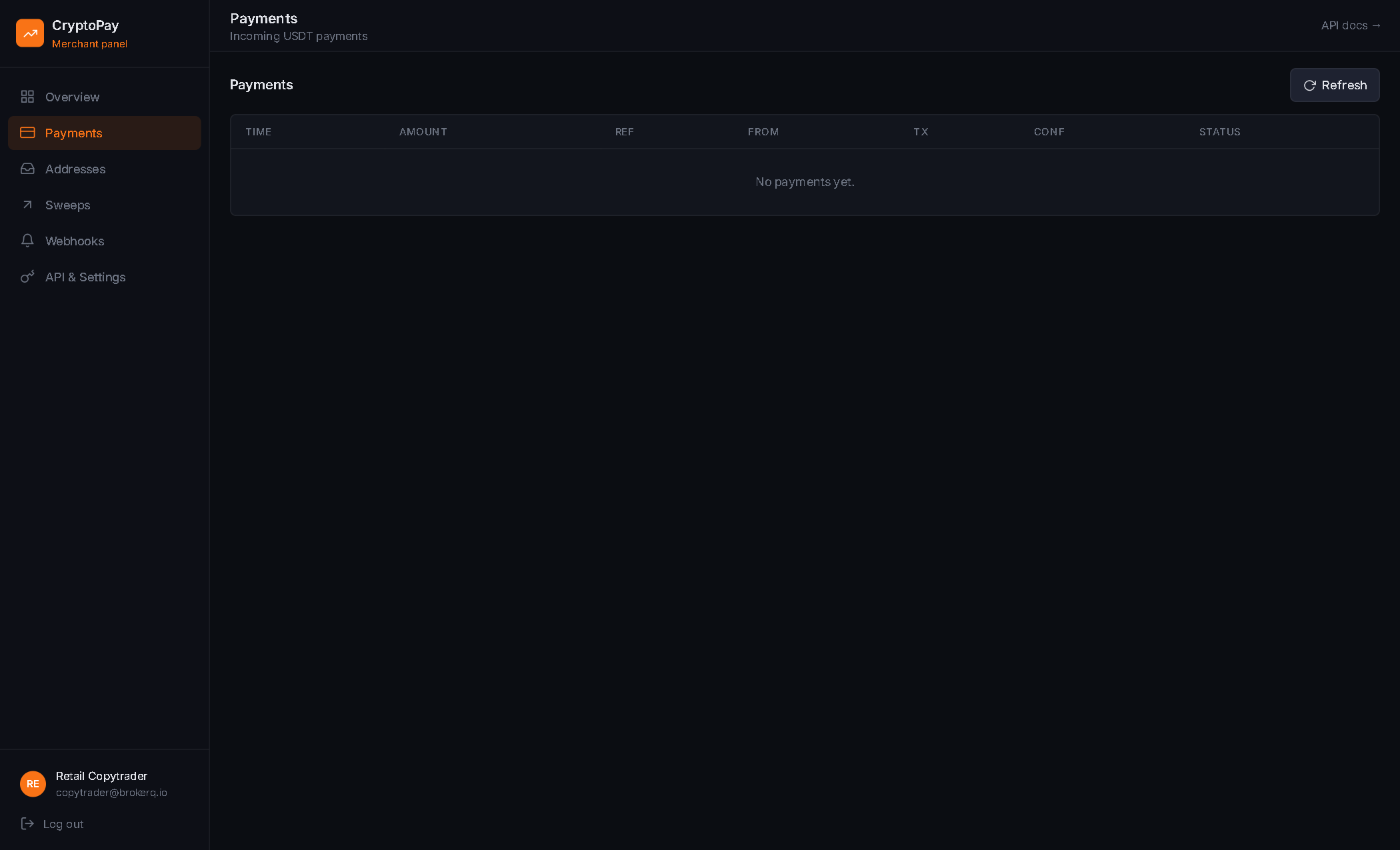
brokerQ Pay
Crypto payment gateway — per-customer deposit wallets, instant trading account crediting, auto-sweep to cold storage and full transaction audit trail.
Private Deployment
Demo environments run on isolated test data and reset periodically. Want a private demo connected to your own MT4/MT5 server? Contact us.